"AUTOMATION"
Salesforce Agentforce: A Complete Guide for Startups Professionals
"From Cold Lead to Closed-Won: Ship an AI Sales Agent in Salesforce by Lunch"
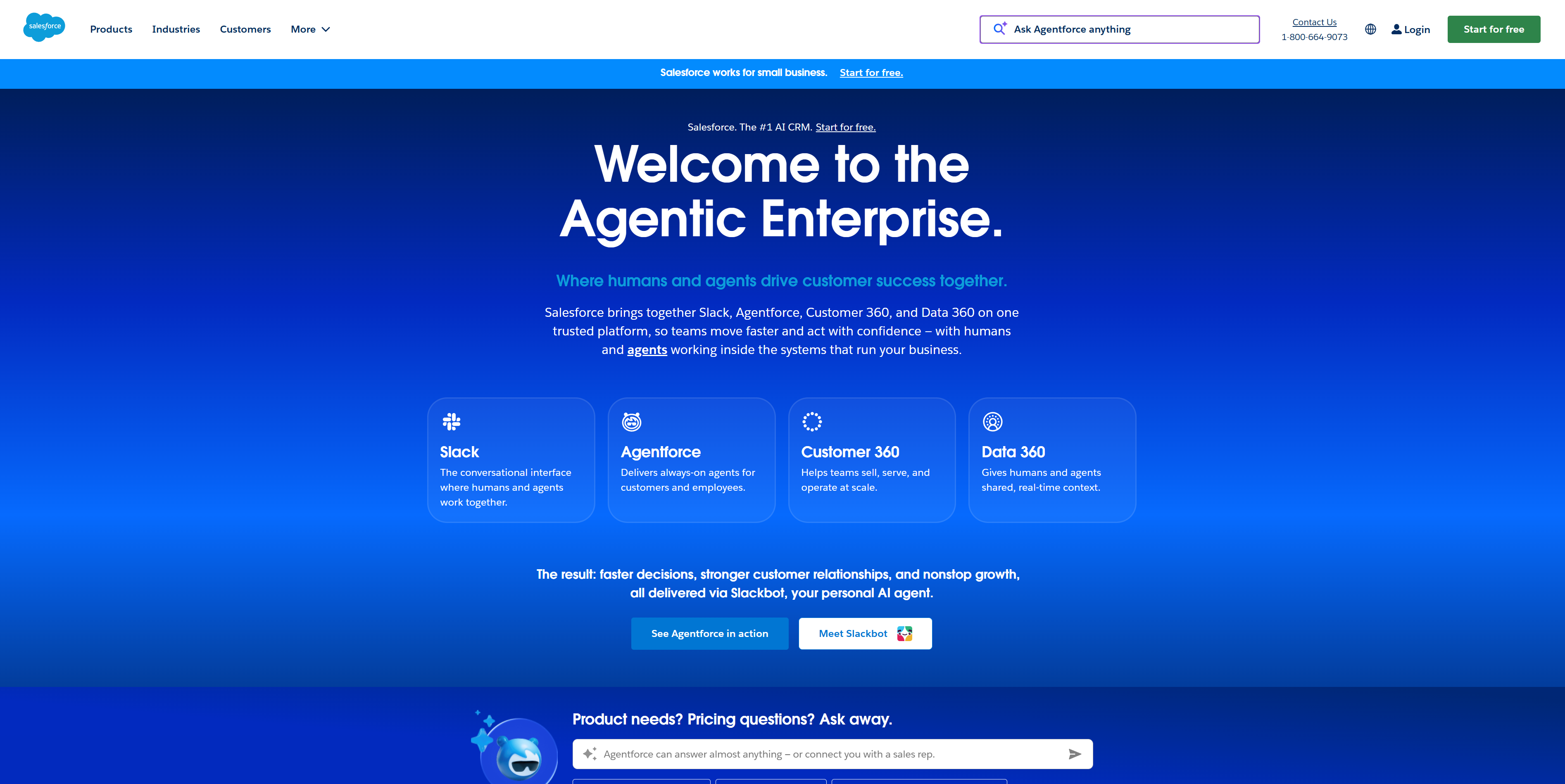
In the next 10 minutes, you’ll set up Salesforce Agentforce to auto-nurture leads, update your pipeline in real time, coach your reps, and spit out quotes without breathing on a spreadsheet. If you already live in Salesforce, Agentforce is the cleanest end-to-end path—no duct tape. While Origami Agents excels at flexible logic and weird edge-case loops, and HeyReach shines at multichannel outreach, Agentforce wins when you want native AI agents handling the whole sales workflow inside your CRM. Consider this your Daily Drops First Look meets Drop Review—practical, no fluff.
"Step 1: Setting Up Your Account"
Start here inside Salesforce. Agentforce is a native layer, so no scary integrations.
- →Ask your Salesforce admin to enable Agentforce (Settings > Setup > App Manager > Agentforce). If you don’t see it, talk to your AE or start here: https://www.salesforce.com/products/agentforce
- →Permissions: Create a “Sales AI Agent” permission set. Grant read/write on Leads, Contacts, Accounts, Opportunities, Activities, and Quotes/Products.
- →Connect comms: Authorize the corporate email domain and calendar for scheduling (Outlook/Google). Turn on call logging with your telephony provider if you use Salesforce Voice.
- →Data hygiene pass (yes, I’m that editor nagging you):
- →Deduplicate Leads/Contacts.
- →Standardize fields: lead source, industry, employee range, ARR.
- →Define your “ICP” flags so the nurturing agent can prioritize.
My hot take: 70% of “AI didn’t work for us” is actually bad data. Clean first, brag later.
"Step 2: Core Features You Need to Know"
- →Lead Nurturing & Scheduling Agent
- →Create sequences per segment (e.g., SMB, Mid-Market).
- →Add email and call steps, then attach your calendar link for auto-booking.
- →Rules I use: 5-touch sequence over 12 business days; pause if reply contains “later/Qx”; auto-handoff to human if positive intent.
- →Real-Time Pipeline Updates
- →Turn on post-call/email sync: map “Next Step,” “Close Date,” “Stage,” and “Amount” updates from agent summaries.
- →Add validation rules to prevent sandbagging (e.g., Stage cannot move to Commit without a next meeting date).
- →Coaching & Role-Plays
- →Upload 3–5 anonymized call recordings as exemplars.
- →Set a scoring rubric: Discovery (30%), Objection Handling (30%), Next Steps (40%).
- →Schedule weekly AI role-play drills for new reps; auto-assign learning paths if score <80%.
- →Quoting Agent
- →Sync Products, Price Books, discount floors, and approval paths.
- →Create guardrails (e.g., max 15% discount unless ARR >$50k).
- →Let the agent draft quotes post-demo; human approves, Agentforce sends and logs.
- →Opportunity Management
- →Playbooks per stage: Required fields, mutual close plan templates, and stakeholder mapping.
- →Auto-create tasks when deals go inactive for 7 days.
"Step 3: Pro Tips for Startups Professionals"
- →Build a “No-Drama Inbox”: Auto-route any reply with budget/timeline keywords to a human within 15 minutes. Speed-to-lead wins deals.
- →Micro-segments beat spray-and-pray: Separate sequences for “pilot-friendly” prospects with a short CTA (two-week pilot) vs. “procurement-heavy” with a longer nurture.
- →Use AI coaching to cut ramp time: New reps do three role-plays daily for the first two weeks; promote to live calls when they average 85%+.
- →Quote fast, then tighten: Send a light quote within 24 hours of the demo; follow with a detailed version once procurement surfaces edge cases.
- →A/B everything: Subject lines, CTA order, discount thresholds. Keep a simple dashboard: Reply Rate, Meetings Booked, Stage Velocity, Quote Cycle Time.
"Common Mistakes to Avoid"
- →Turning the agent loose on messy fields: If “Industry” is free text, your targeting will be chaos. Standardize picklists first.
- →No human override: Always keep “Escalate to Rep” one click away and publish SLAs (e.g., 15-minute response during business hours).
- →Over-automation at late stages: Let Agentforce summarize and nudge, but humans should own pricing exceptions and legal redlines.
"How It Compares to Alternatives"
- →Origami Agents: While [Origami Agents] excels at complex automations with loops and custom logic across tools, Salesforce Agentforce is better suited for teams already in Salesforce who want native, zero-integration friction and real-time CRM updates. If you need cross-stack orchestration beyond Salesforce, [Origami Agents] may be stronger.
- →Creatio: [Creatio] is a low-code platform great for building custom CRM-style workflows when you don’t use Salesforce. If you’re not a Salesforce shop, [Creatio] can be more cost-effective and flexible. If you are, Agentforce’s native quoting, coaching, and pipeline sync are faster to deploy.
- →HeyReach: [HeyReach] unifies email and LinkedIn outreach beautifully and is often cheaper for pure top-of-funnel. While [HeyReach] excels at multichannel sequences, Agentforce is better for full-funnel automation—nurture to quote—inside Salesforce.
Pricing note: Agentforce is custom enterprise pricing. Budget-conscious teams focused only on outreach might start with [HeyReach]; Salesforce-first teams needing end-to-end automation will justify Agentforce’s lift.
"Conclusion: Is Salesforce Agentforce Right for You?"
If your team already breathes Salesforce and you want AI agents to run the entire sales motion—nurturing, pipeline hygiene, coaching, and quoting—Agentforce is a strong “yes.” It’s faster to deploy than stitching point tools and keeps your data pristine with real-time sync. If you’re not in Salesforce, look at [Creatio]; if you need exotic logic across many tools, consider [Origami Agents]; and if you just want cheaper multichannel outreach, try [HeyReach]. My verdict: for Salesforce-native startups, this is a First Look worth turning into a Launch Alert—ship it. Fresh launches, dropped daily.
"EXTERNAL LINK"
DON'T SLEEP ON THIS DROP